Reading time: 22 min
Voice AI Receptionists for Local Businesses: Pricing, Stack, and Risks
A practical guide to voice AI receptionists for local businesses: missed-call recovery, appointment booking, stack, pricing, compliance, launch plan, and risks.
At 5:40 PM, the front desk of a med spa is doing three things at once. One client is paying, another is asking about aftercare, and the phone starts ringing. If the receptionist answers, the person standing at the desk waits. If the call goes to voicemail, the caller may open Google Maps and tap the next clinic.
That is the real business case for a voice AI receptionist. Not replacing the front desk. Not building a futuristic phone robot. The practical use case is much narrower: answer calls when staff are busy, recover missed leads, capture intent, handle routine questions, and route anything risky to a human.
For local businesses, phone calls are still high-intent. A caller is not casually browsing. They often want pricing, availability, directions, an appointment, a quote, or a fast answer before choosing a competitor. A voice AI receptionist can help only if it is designed around that reality.
This guide explains how voice AI receptionists work for local businesses, where they make sense, what stack is usually involved, how pricing works, what risks matter, and how to launch one safely without damaging customer trust.
What a Voice AI Receptionist Actually Does
A voice AI receptionist is an AI phone agent that can answer or place calls, understand spoken language, follow a call flow, use business data, and perform limited actions such as collecting lead details, booking appointments, sending SMS links, or creating CRM notes.
The best version is not a general-purpose assistant. It is a narrow phone workflow.
Common tasks include:
- answering after-hours calls;
- handling overflow when staff are busy;
- collecting caller name, phone number, service interest, and preferred time;
- answering basic FAQ questions;
- checking appointment availability;
- booking or requesting appointments;
- sending an SMS with a booking link or intake form;
- creating a CRM note;
- routing urgent or sensitive calls to a human;
- summarizing the call for staff.
A good voice AI receptionist should sound helpful, but its real value is operational. It reduces the number of calls that disappear into voicemail and gives staff a structured record to follow up on.
Missed-Call Recovery Is the Strongest First Use Case
The safest first use case is usually missed-call recovery, not full phone replacement.
Full replacement is risky. The AI has to handle every caller, every edge case, every emotional tone, every request, and every integration failure.
Missed-call recovery is smaller:
- A caller reaches the business but nobody answers.
- The AI responds after a ring delay, after hours, or through a callback/SMS workflow.
- It identifies why the person called.
- It captures contact details.
- It answers only approved questions.
- It books, sends a link, or creates a callback task.
- It escalates anything sensitive.
This scope is easier to test, easier to explain, and easier to measure. The business can compare missed calls before and after launch, follow-up speed, bookings created, and staff time saved.
That is why a local business should not start by asking, “Can AI replace our receptionist?” The better question is: “Which calls are we currently failing to handle?”
Best Local Business Use Cases
Voice AI receptionists work best when the business has repeatable phone conversations and a clear next step.
Strong candidates:
- med spas and beauty clinics;
- dental offices;
- salons and barbershops;
- home services such as HVAC, plumbing, cleaning, roofing, pest control, and landscaping;
- auto repair shops;
- legal intake teams;
- private clinics;
- wellness studios;
- property management companies;
- local agencies and consultants.
The pattern is the same: the business receives calls from people who want availability, pricing, intake, emergency handling, booking, or a callback.
Weak candidates:
- businesses with very low call volume;
- businesses where every call requires expert judgment;
- businesses with no calendar, CRM, or follow-up process;
- businesses that cannot review transcripts or call logs;
- businesses that expect the AI to handle sensitive advice without supervision.
A voice AI receptionist is not valuable because it is AI. It is valuable when the phone workflow is frequent, repetitive, and close to revenue.
The Basic Call Flow
A simple voice AI receptionist should follow a controlled path.
Example for a med spa:
-
Greeting
“Thanks for calling. I can help with booking, hours, services, or a callback.” -
Intent detection
The AI classifies the call: booking, pricing, hours, directions, reschedule, complaint, medical question, or other. -
Data capture
The AI collects name, phone number, requested service, preferred date/time, and whether the caller is new or returning. -
Approved answer or action
If the question is in the FAQ, the AI answers. If booking is available, it offers options. If the business prefers not to auto-book, it sends a booking link or creates a callback task. -
Escalation
If the caller asks for medical advice, legal advice, refund handling, pricing exceptions, complaint resolution, or anything unclear, the AI routes to a human. -
Summary and log
The AI writes a short call summary and saves it to CRM, spreadsheet, email, Slack, or the phone system.
A safer first version should not try to be clever. It should be predictable.
Example Call Flow Script
A useful AI receptionist script is not a long monologue. It is a set of rules.
Example:
txtCopyRole: You are the after-hours receptionist for a local appointment-based business.

Primary goals:
1. Understand why the caller is calling.
2. Collect their name and phone number.
3. Help with approved FAQ answers.
4. Offer booking options or create a callback request.
5. Escalate sensitive or uncertain requests.

You may answer questions about:
- business hours
- location and parking
- general service categories
- appointment availability
- cancellation policy
- how to book or reschedule

You must not:
- provide medical, legal, financial, or emergency advice
- invent prices or discounts
- promise appointment availability unless confirmed by the calendar
- handle angry complaints beyond collecting details
- claim to be a human

Escalate when:
- the caller is upset
- the caller asks for advice outside the FAQ
- the caller mentions emergency symptoms or urgent harm
- the caller asks for a refund, exception, or manager
- confidence is low

If escalating, say:
“I want to make sure this is handled correctly. I’ll take your details and have the team call you back.”
This kind of script matters because phone calls move quickly. The AI needs boundaries before the call starts, not after it has already guessed.
Technology Stack
A production voice AI receptionist usually has several layers.
-
Telephony layer
Phone number, call forwarding, routing, recordings, SMS, and caller ID. Twilio is a common programmable voice provider, with public pricing for inbound/outbound voice minutes and optional recording/transcription services. -
Voice AI platform
Real-time speech-to-text, LLM orchestration, text-to-speech, latency handling, conversation flow, and tool calling. Vapi is one example of a developer-focused voice AI platform, and its public pricing page lists call usage pricing. -
Business knowledge
FAQ, hours, services, booking rules, cancellation policy, escalation rules, pricing boundaries, and compliance language. -
Calendar and booking
Google Calendar, Calendly, Acuity, Mindbody, Jane, Practice management tools, ServiceTitan, Housecall Pro, or custom scheduling software. -
CRM or lead storage
HubSpot, Pipedrive, Salesforce, Airtable, Google Sheets, HighLevel, ServiceTitan, or a custom database. -
Notification layer
SMS, email, Slack, dashboard, or task manager notifications for staff. -
Analytics and QA
Call transcripts, call outcome labels, booking conversion, fallback rate, escalation rate, and transcript review.
The stack is not just “AI voice.” The hard part is connecting the call to business systems without creating bad records, duplicate bookings, or unsafe answers.
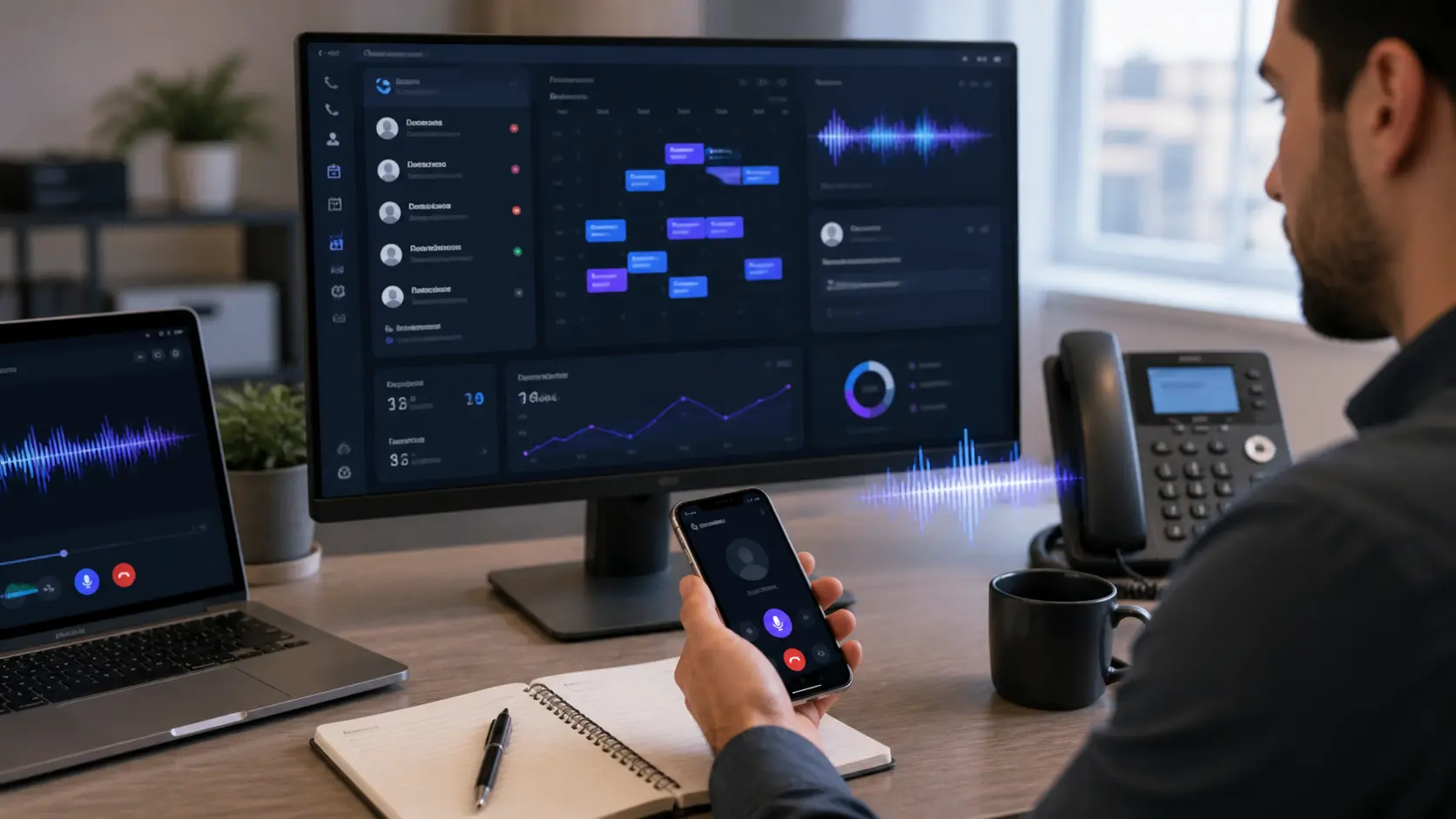 Voice AI receptionist workflow showing call routing, AI triage, booking, CRM notes, human escalation, and call analytics.
Example Architecture
A practical architecture for overflow calls:
Incoming call → phone routing → voice AI agent → FAQ/calendar/CRM tools → booking or callback task → transcript summary → human review dashboard
A more detailed version:
- Caller dials the main number.
- If staff do not answer after a set number of rings, the call forwards to the AI agent.
- The AI greets the caller and detects intent.
- The AI checks approved FAQ content or booking rules.
- If the caller wants an appointment, the AI checks availability or sends a booking link.
- If the call is sensitive, the AI creates an urgent callback task.
- The transcript and summary are saved.
- Staff review exceptions each morning.
The review step is not a weakness. It is what makes the system usable in real businesses.
Pricing: What Businesses Actually Pay For
There are two different pricing layers: vendor cost and service pricing.
Vendor cost includes telephony minutes, voice AI platform minutes, transcription, text-to-speech, LLM usage, phone numbers, SMS, recording, storage, and integrations.
Service pricing includes discovery, call flow design, prompt/rule writing, integration setup, testing, monitoring, transcript review, optimization, and support.
Public vendor prices change, but the shape is clear: Twilio lists programmable voice pricing by country and Vapi lists call usage pricing. These numbers are only part of the real cost because complete voice AI systems may also include speech, LLM, storage, SMS, and human monitoring costs.
For an agency or consultant, a realistic pricing structure might look like this:
| Package | Best for | What it includes | Pricing shape |
|---|---|---|---|
| DIY setup support | Simple businesses with tech comfort | Tool setup, basic script, booking link, transcript review guide | One-time setup fee |
| Managed missed-call recovery | Local businesses with regular missed calls | Call routing, AI script, FAQ, SMS, CRM notes, monthly QA | Setup fee + monthly retainer |
| Custom booking integration | Clinics, med spas, legal intake, home services | Calendar/CRM integration, escalation rules, reporting dashboard | Higher setup + monthly retainer |
| Multi-location system | Growing local chains | Location routing, role permissions, analytics, QA process | Custom pricing |
A simple agency package might include:
- setup and discovery;
- call flow design;
- FAQ and escalation rules;
- booking or callback integration;
- test calls;
- staff training;
- transcript review for the first two weeks;
- monthly optimization report.
Do not price only by model cost. The client is paying for a working phone workflow, not just minutes.
ROI: Measure Recovered Calls, Not AI Hype
The ROI model should be conservative.
Start with:
- missed calls per month;
- percentage of missed calls that are new leads;
- average booking value;
- appointment show rate;
- staff time spent answering routine questions;
- current answering service or front desk cost;
- expected AI handling and review cost.
A simple model:
txtCopyRecovered monthly value =
missed lead calls recovered × booking conversion rate × average booking value
Example:
txtCopy30 missed lead calls/month
× 20% booking conversion
× $180 average booking value
= $1,080 potential monthly recovered booking value
This is not guaranteed revenue. It is an estimate. You still need to account for no-shows, cancellations, staff follow-up, and system cost.
A more useful dashboard tracks:
- total calls handled;
- missed calls recovered;
- booking requests created;
- booking links sent;
- human escalations;
- fallback rate;
- hang-up rate;
- average response latency;
- caller sentiment;
- staff follow-up time;
- bookings confirmed.
The business case should improve over time because the system learns from transcripts, missed intents, and failed calls.
Compliance and Privacy
Voice AI receptionists often touch sensitive data. This is especially true for healthcare, legal, finance, insurance, and home services.
Important questions:
- Are calls recorded?
- Are callers informed about recording or AI involvement when required?
- Where are transcripts stored?
- Who can access them?
- Does the vendor use call data for training?
- Does the business need HIPAA, GDPR, state privacy compliance, or industry-specific rules?
- Are emergency or sensitive requests escalated immediately?
- Can staff delete or export records if required?
For healthcare, do not assume a voice AI stack is HIPAA-ready just because it says “AI receptionist.” The business needs proper vendor agreements, privacy controls, data handling policies, and careful workflow design.
For legal and financial services, the agent should avoid advice. It should collect information, summarize intake, and route the matter to a human.
Risk Checklist Before Launch
Before connecting a voice AI receptionist to a live number, check these items:
- Scope: Is the agent limited to booking, FAQ, intake, and routing?
- No-advice rule: Does it avoid medical, legal, financial, or emergency advice?
- No-invention rule: Does it refuse to invent prices, discounts, or policies?
- Calendar safety: Can it avoid double-booking?
- Escalation: Can it route angry, confused, urgent, or sensitive callers to humans?
- Fallback: What happens if the AI cannot understand the caller?
- Latency: Does the call feel natural enough that people do not hang up?
- Privacy: Are recording, transcript storage, and data access handled properly?
- Disclosure: Does the business need to disclose AI or recording in this jurisdiction?
- Review: Who checks transcripts and failed calls during the first weeks?
- Testing: Has the agent been tested with real scenarios and adversarial questions?
- Ownership: Does the business control its phone number, data, and account access?
A voice agent should never be launched with only happy-path test calls. Test confused callers, noisy callers, angry callers, vague callers, and callers asking questions the AI should not answer.
What the AI Should Never Handle Alone
These calls should go to a human or emergency instruction path:
- medical symptoms or treatment advice;
- legal advice;
- financial advice;
- threats, self-harm, violence, or emergencies;
- refunds and disputes;
- complaints from angry customers;
- pricing exceptions or discounts;
- cancellations with penalties;
- VIP or enterprise clients;
- anything the business has not approved in the call script.
The AI can still be useful in these cases by collecting details and creating a clear callback summary. But it should not pretend to resolve them.
Launch Plan: Start with a Tracking Number
The safest launch plan is not to replace the main phone line on day one.
A better rollout:
-
Week 0: Map the workflow
Collect FAQs, services, hours, booking rules, escalation rules, and current missed-call data. -
Week 1: Build a test agent
Use a test number. Run staff calls and fake customer scenarios. Fix wrong answers. -
Week 2: After-hours or overflow pilot
Forward calls after hours or after four rings. Keep human staff on the main line. -
Week 3: Transcript review
Review every transcript. Label calls as booked, callback needed, bad answer, escalation, or unknown. -
Week 4: Optimize
Adjust FAQ, escalation rules, booking language, SMS follow-up, and reporting. -
After proof: expand scope only if the system is stable.
This approach lets the business measure value while keeping risk low.
Example Implementation Checklist
For an agency building this for a local business:
mdCopy# Voice AI Receptionist Launch Checklist

## Discovery
- Business hours collected
- Service list collected
- Booking rules documented
- Escalation rules approved
- FAQ approved by business owner
- Compliance requirements identified

## Integration
- Phone routing configured
- Calendar or booking link connected
- CRM/contact storage connected
- SMS follow-up configured
- Staff notification channel configured

## Safety
- No-advice rules added
- No-invention rules added
- Human escalation tested
- Angry caller scenario tested
- Unknown question scenario tested
- Emergency scenario tested

## QA
- 20+ test calls completed
- Transcript review process assigned
- Failed calls labeled
- Launch dashboard prepared
- Rollback plan documented
The rollback plan is important. Staff should know how to disable forwarding quickly if something goes wrong.
What to Put in the Monthly Report
A monthly report should not say “the AI answered calls.” It should show operational value.
Useful metrics:
- calls handled;
- after-hours calls;
- overflow calls;
- missed calls recovered;
- bookings requested;
- booking links sent;
- callbacks created;
- escalations;
- unresolved calls;
- average call duration;
- hang-up rate;
- top caller intents;
- FAQ gaps;
- transcript quality notes;
- recommendations for next month.
The report turns the voice AI receptionist into an ongoing operations service instead of a one-time setup.
Common Mistakes
Avoid these mistakes:
- launching on the main number immediately;
- letting the AI answer questions outside the approved FAQ;
- connecting booking without double-booking protection;
- ignoring transcripts after launch;
- using a voice that sounds impressive but responds too slowly;
- failing to create a human escalation path;
- not telling staff how the system works;
- pricing the service without accounting for monitoring and support;
- promising that AI will replace front desk staff.
The most reliable voice AI systems are intentionally boring. They do a narrow job, log what happened, and ask humans to handle exceptions.
Conclusion: The Best Voice AI Receptionist Is a Workflow, Not a Voice
A voice AI receptionist is useful when it is connected to a real business workflow: missed-call recovery, booking, intake, SMS follow-up, CRM notes, human escalation, and reporting.
It is not useful when it is sold as a magical replacement for staff.
Start small. Use a tracking number or overflow routing. Limit the AI to approved tasks. Review transcripts. Measure recovered calls and bookings. Improve the script based on real conversations.
For local businesses, the value is simple: fewer callers disappear, staff spend less time on repetitive questions, and the business gets a clearer follow-up process.
That is the practical version of voice AI receptionists in 2026.